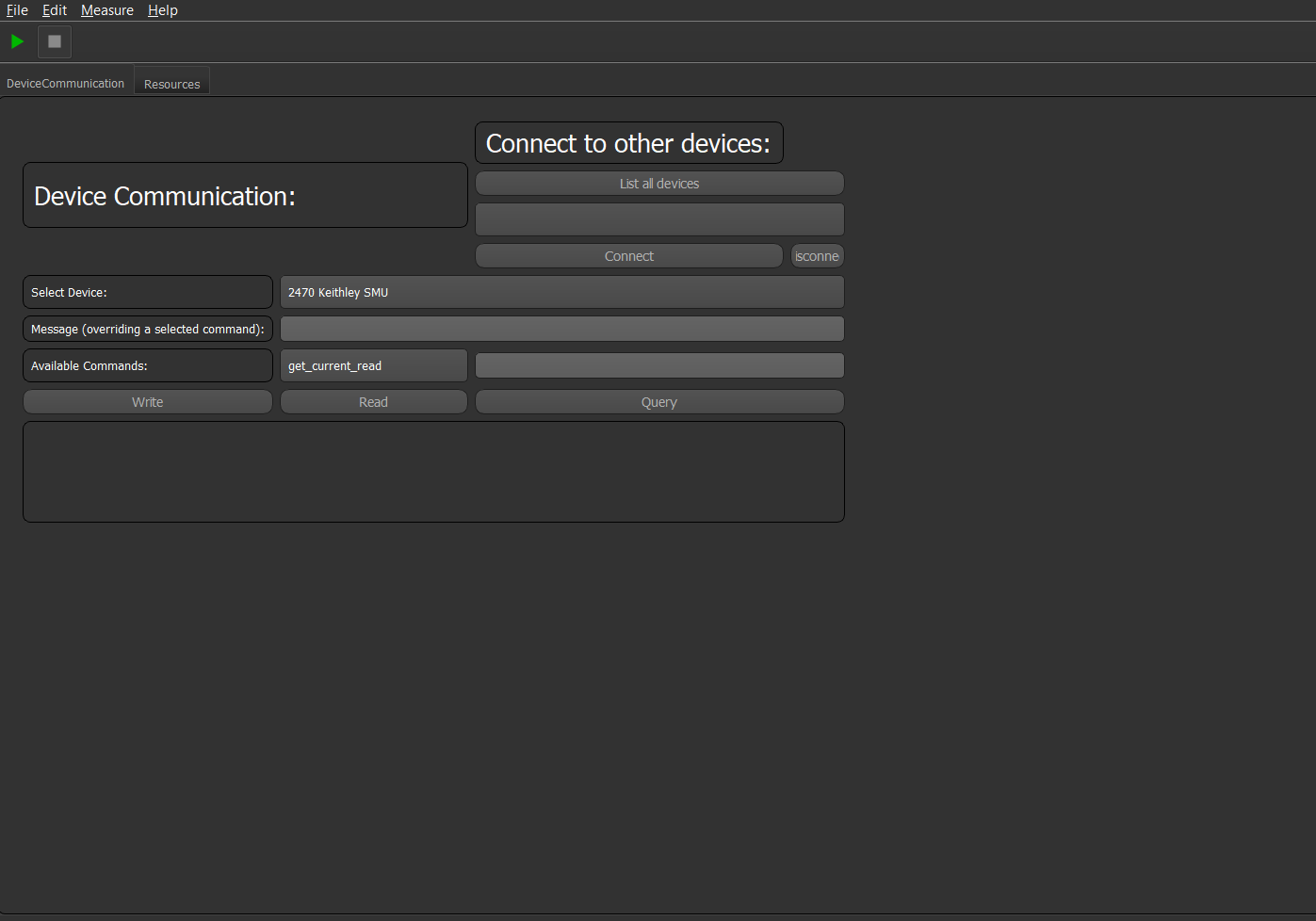
Device Communication Tab
The Device Communication Tab GUI plugin is a plugin which you can be added to every project. It lets you communicated with every device configured and connected to the machine.
To do so you can select a device and either write your own command to the device or choose a command from the device command file under "Available Commands" and set a value to this command.
If further features the ability to connect to new devices. For that you can press the "List all devices". Then you can choose one and hit "Connect". After that you can send commands to the device, like before.
You have a read, write and query command available. The function of these should be clear.
Caution
If you just read from the device and the device has nothing in its queue the program will raise a timeout error.
The GUI looks like: